











Natalie Whitmore
E-commerce ManagerOur product photos still had the old shop name on them. Clearing that mark in PhotEditor helped me reuse the shots with our updated branding.
Use our AI watermark remover to clean distracting logos, text, and stamps from photos. Eligible new accounts start with trial credits.

Upload an image to start
See common watermarks, logos, and stamps you can remove with this free watermark remover across different types of photos.

Clear repeated proof marks and preview stamps across the photo.

Remove old logos and corner badges from your own photos.

Remove social handles, headlines, and captions from photo backgrounds.

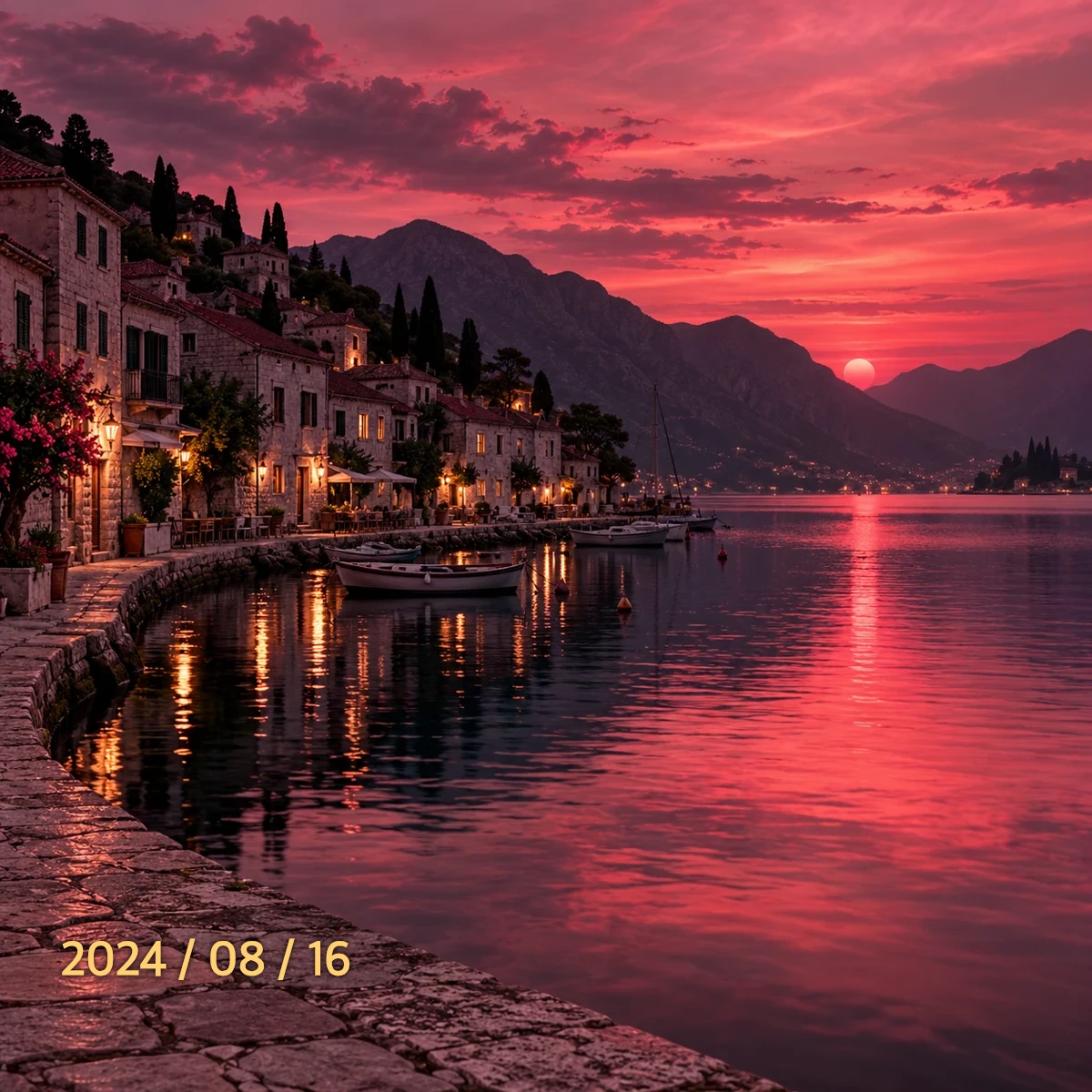
Clear camera dates and timestamps from travel shots and family photos.

Remove graphic stickers and emoji overlays to rebuild the covered area.
A free watermark remover that clears unwanted text, logos, and date stamps from photos.
An AI watermark remover creates an edited version of your photo based on your upload and chosen instructions. You can remove unwanted text, logos, or date stamps without retouching the image by hand. The tool generates replacement content for covered areas, giving you a fresh image to review before reuse.
Covered areas are reconstructed with replacement content, not restored from hidden original pixels.
Choose how to guide each edit, then compare the result before downloading.
Editing illustration · pink highlight shows active selection area.
Choose Text, Logo, Mark, or Emoji in Auto Mode to provide helpful context for the AI watermark remover before you click Remove Now.
In Manual Erase, use the free AI watermark remover with Brush, Rectangle, or Lasso to select an area. Your final download keeps the original pixels outside that selection.
Use the Before/After slider to compare your original and edited image. Check the details before downloading, or continue editing if you want another pass.
Follow three clear steps to clean your image with our free AI watermark remover.
Upload a JPG, PNG, or WebP photo up to 10 MB and 24 million pixels into the free AI watermark remover, or pick a demo image to test the workspace.
In Auto Mode, pick a category and click Remove Now. In Manual Erase, paint an area with Brush and click Remove Selected Area, or switch to the Prompt tab to enter custom instructions and click Remove with Prompt.
Review the edit in the AI watermark remover using the Before/After slider. Download the result, or continue editing if it needs another pass.
 2024 / 08 / 162024 / 08 / 1603 / Review your result
Illustrative workflow. Actual results vary by image complexity.
Eligible new accounts can try the AI watermark remover free with a one-time grant of 15 trial credits. Sign in with Google or a verified email, then return and click your selected removal button to process.
01PRODUCT IMAGES
Old brand logos can distract buyers from updated store listings. With our AI watermark remover, you can clear corner marks from existing product photos and inspect edges, seams, and textures before reusing images across your catalog.

Auto Mode → Logo → Remove Now. For small marks, switch to Manual Erase → Brush to select only that corner.
02PORTRAITS & FASHION
When old promotional text covers a favorite portrait, use this free watermark remover to work on the lettering. Our AI watermark remover lets you review a new version while keeping the full frame, instead of cropping away part of the photo.

Auto Mode → Text → Remove Now. If backdrop signs should stay, use Manual Erase to brush only the unwanted words.
03TRAVEL & MEMORIES
Use the photo watermark remover on a favorite travel shot with an old camera date. Keep the full view for an album or print, then check the edited area around the water, buildings, or sky.

Manual Erase → Rectangle. Drag a box over the date stamp numbers, then click Remove Selected Area.
04ARTWORK & CREATIVE PROJECTS
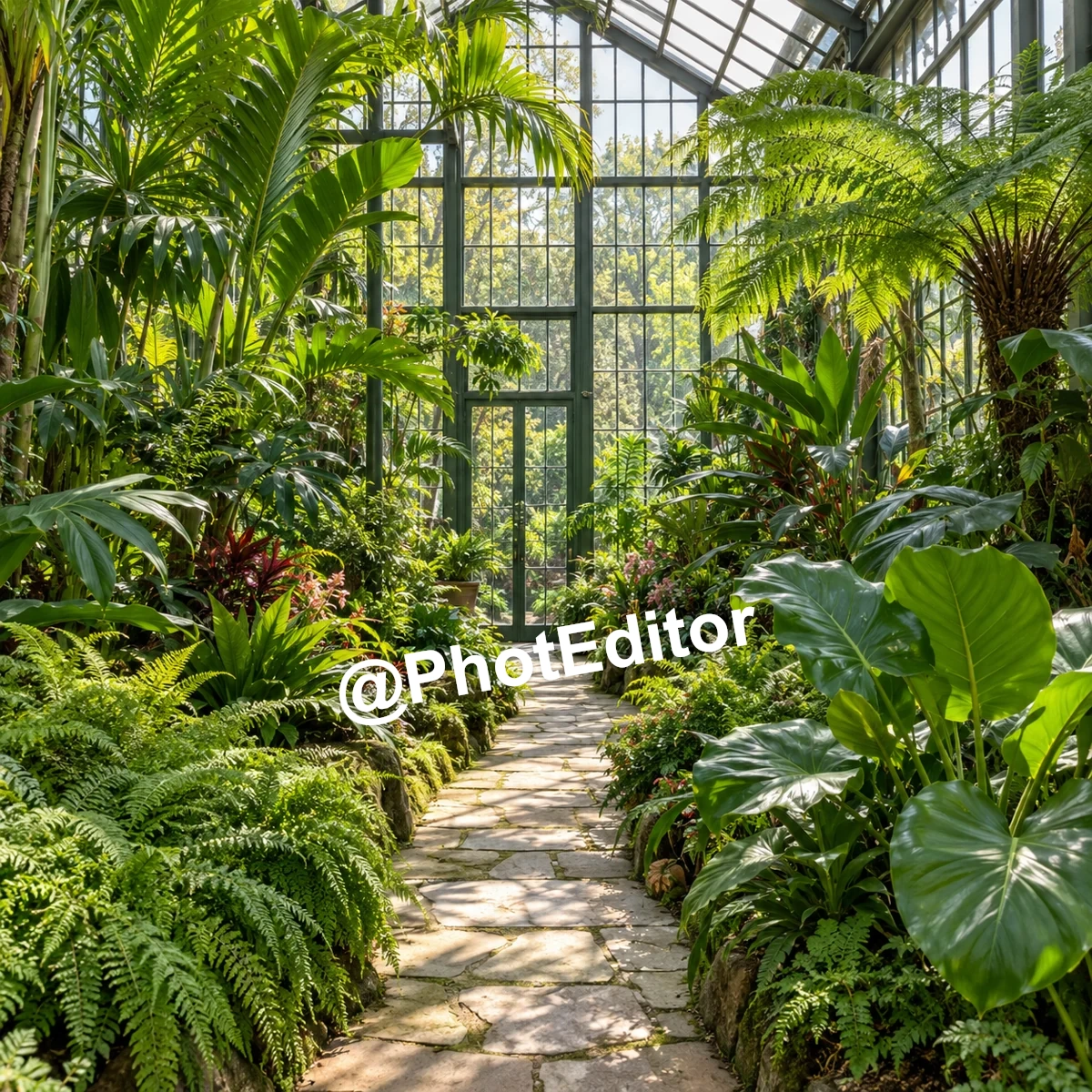
Draft marks can make it hard to judge your own artwork. Use an image watermark remover to work on repeated @PhotEditor text. The AI watermark remover lets you review the edited stars, planets, and astronaut before sharing the illustration.

Auto Mode → Mark → Remove Now. For specific control, go to Manual Erase → Prompt and enter: “Remove repeated @PhotEditor text. Keep the astronaut, planetary rings, and background colors.”
Feedback from customers who use our AI watermark remover on product photos, portraits, and creative artwork.
Our product photos still had the old shop name on them. Clearing that mark in PhotEditor helped me reuse the shots with our updated branding.

I needed a product shot without my studio watermark for a portfolio layout. PhotEditor cleaned up the corner, so I could keep the framing I wanted.

I'd misplaced the clean export of a wedding detail shot and only had my watermarked proof. PhotEditor helped me get it ready for a new portfolio page.

Found an older travel shot with my previous blog address across the sky. Removing that mark made it much easier to reuse in a fresh post.

Removed a watermark from one of my workout photos. Nice to keep the full shot instead of cropping half the gym out just to get rid of the text.

I used it to take an old watermark off a cake photo for a new recipe card. The finished image looked less cluttered, especially with the recipe title added.

Found an old poster mockup with a preview watermark across it. Removing that in PhotEditor made the artwork easier to see in my updated case study.

The watermark on a concept render kept drawing attention away from the building. I removed it in PhotEditor and used the cleaner image in my project presentation.

I make the pottery and handle the shop photos myself. Removing an old shop watermark from a bowl photo was straightforward, and it gave me an image I could reuse.

I was putting together a press kit and only had a watermarked export of my promo photo. PhotEditor gave me a version I was happier sending out.

The watermark crossed the floorboards in one of my room photos, so I checked that area carefully after removing it. I was happy with how it looked in my portfolio.

I removed my studio's old watermark from a kitchen project photo. I could reuse the full image in a new presentation without arranging the layout around the logo.

My watermark sat over the chair's shadow in a photo. After removing it with PhotEditor, I checked the shadow closely. That part looked natural in the catalog layout.

A photo from my first course still had the old course title as a watermark. I cleaned it up in PhotEditor and reused it for the updated lesson cover.

An event photo still had our previous agency logo. Removing that mark helped it fit right in alongside newer photos in our anniversary recap.

One campaign image still had the draft watermark I'd added during review. I took it out in PhotEditor before trying the image in a few different social layouts.

The watermark was close to the necklace, so cropping wasn't really an option. PhotEditor helped me keep the whole photo for the shop page.

Used it on a watermarked race photo for a club collage. I checked the track markings afterward and was happy with how the picture looked at the final size.
Clear answers about file limits, credit usage, and how our free AI watermark remover processes your photos.
The AI watermark remover creates replacement image content for areas covered by text, logos, or other marks. It makes an edited version of your photo; it does not recover the original pixels hidden underneath.
Eligible new verified accounts receive a one-time grant of 15 trial credits to try our free watermark remover. Check the displayed cost before processing. Credits are reserved when you submit; failed or canceled jobs return them. Trial credits do not refill daily.
See free trial detailsYou can explore examples, upload a photo, and prepare an edit without an account. Processing requires Google sign-in or a verified email account with enough credits.
Upload a single JPG, JPEG, PNG, or WebP photo up to 10 MB and 24 million pixels. Batch uploads and video files are not supported in this workspace.
In Auto Mode or Prompt mode, the AI creates an edited version of the full picture, so it may change other details across the image. In Manual Erase selection mode, your final download preserves unselected parts completely.
Yes. Your download matches the pixel dimensions of the image in the editor. If you rotate it, the width and height swap. Matching dimensions does not mean every fine detail covered by an overlay can be fully recovered.
Manual Erase lets you outline unwanted marks with Brush, Rectangle, or Lasso. Clicking Remove Selected Area tells the AI watermark remover where to focus, and only that marked area changes in your final download.
Tell the AI watermark remover what to remove, where it is, and what to keep in 5–500 characters. For example: “Remove the corner logo. Keep the window frame, brick wall, and natural sunlight.” Then click Remove with Prompt.
No. The before-and-after gallery cards are illustrative examples made with AI-generated photos and added demonstration overlays. They illustrate what the tool can address, not a guaranteed result on your specific upload.
Download your finished image from the result panel using Download Image. Your last 8 completed edits are saved in this browser for your account and do not sync across devices. If an edit fails, reserved credits return to your account.