
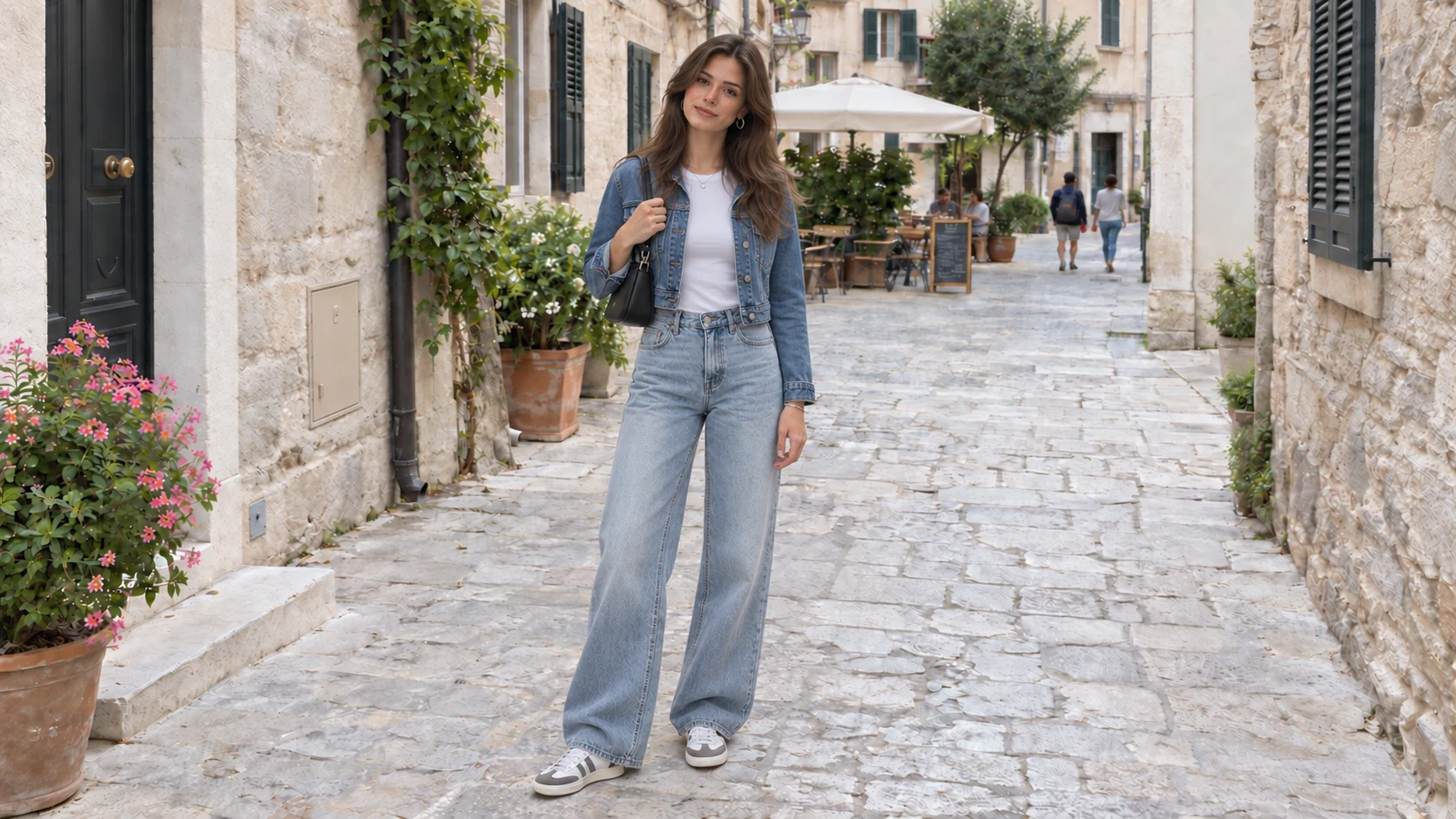
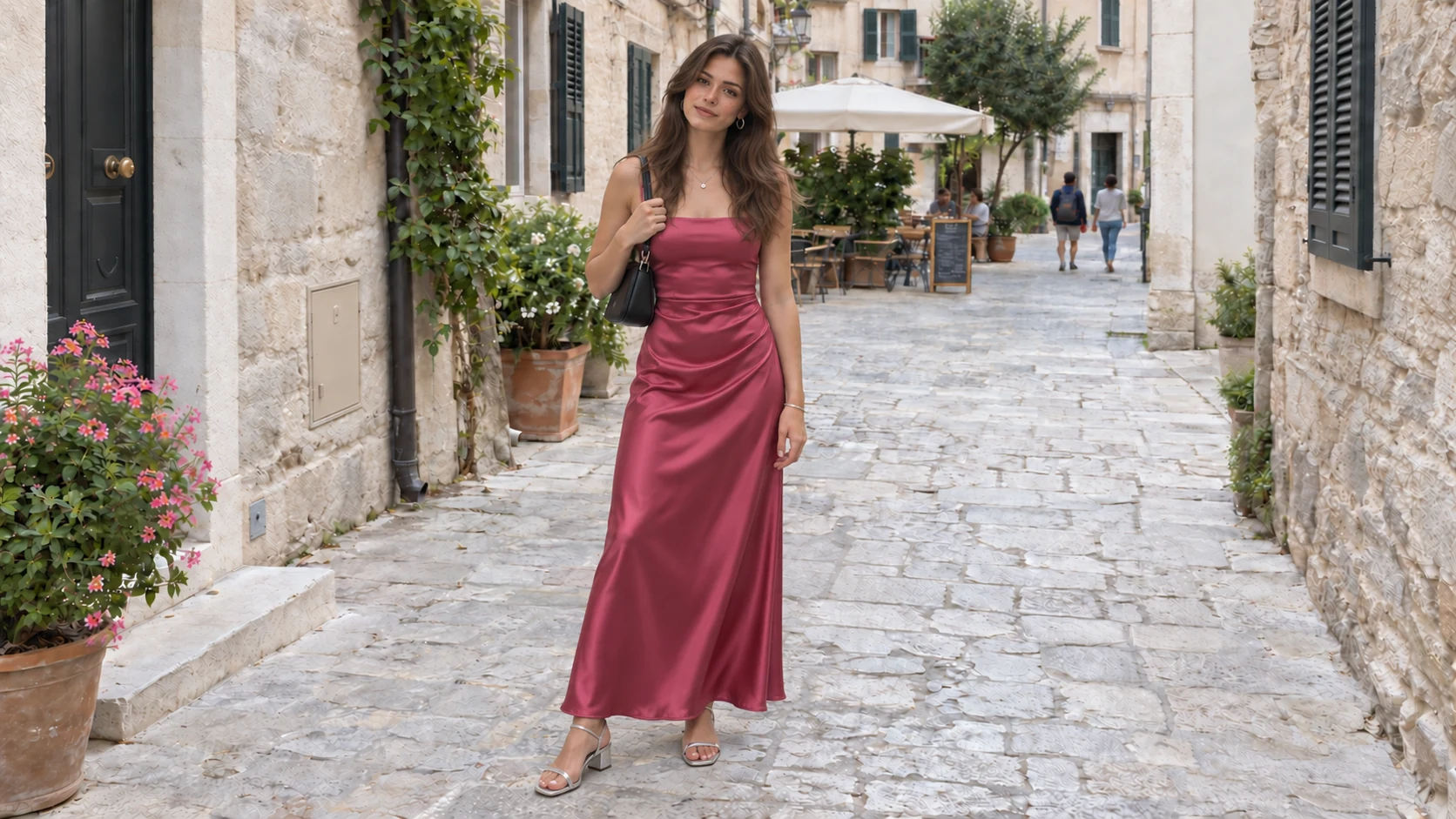
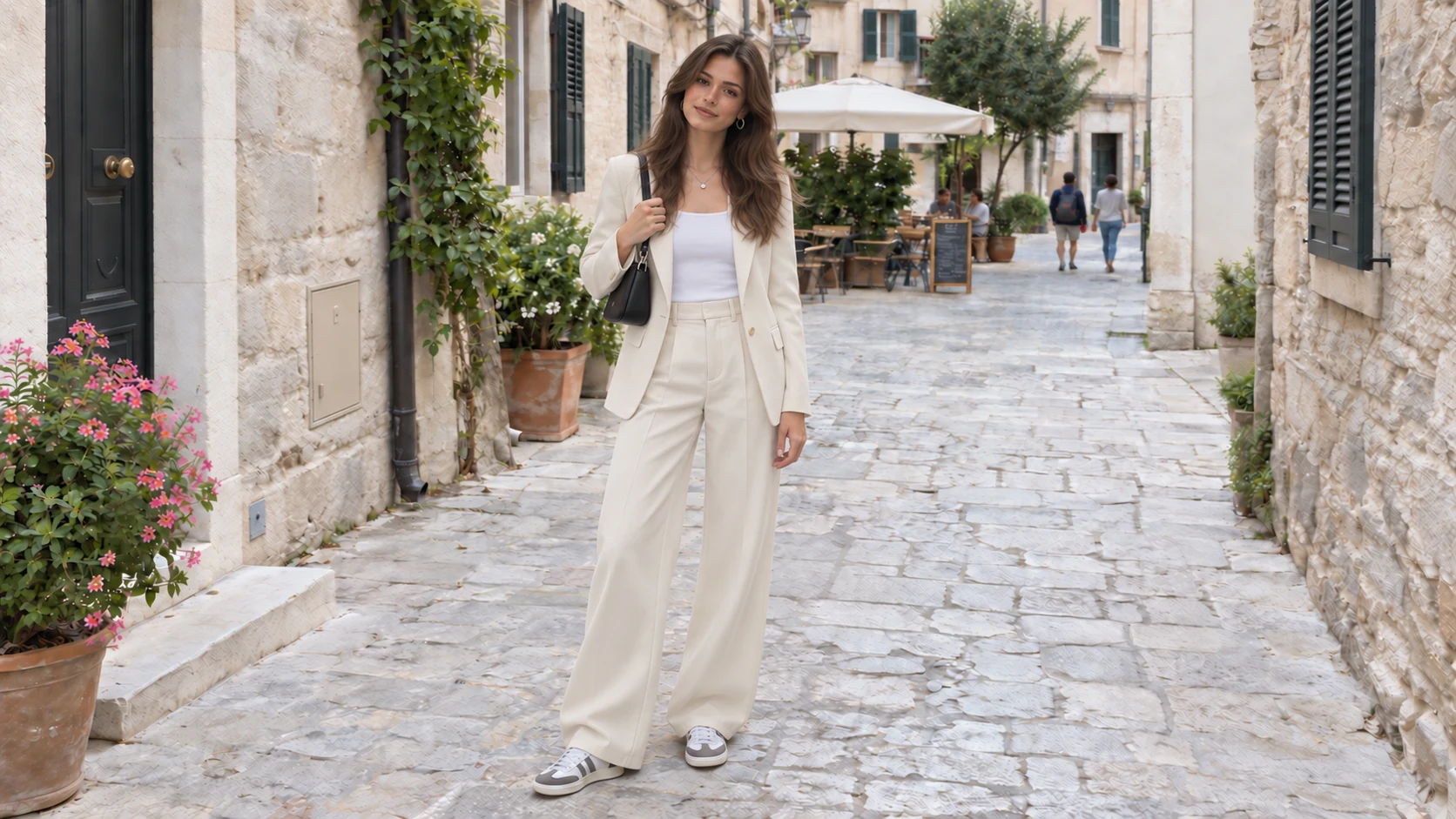
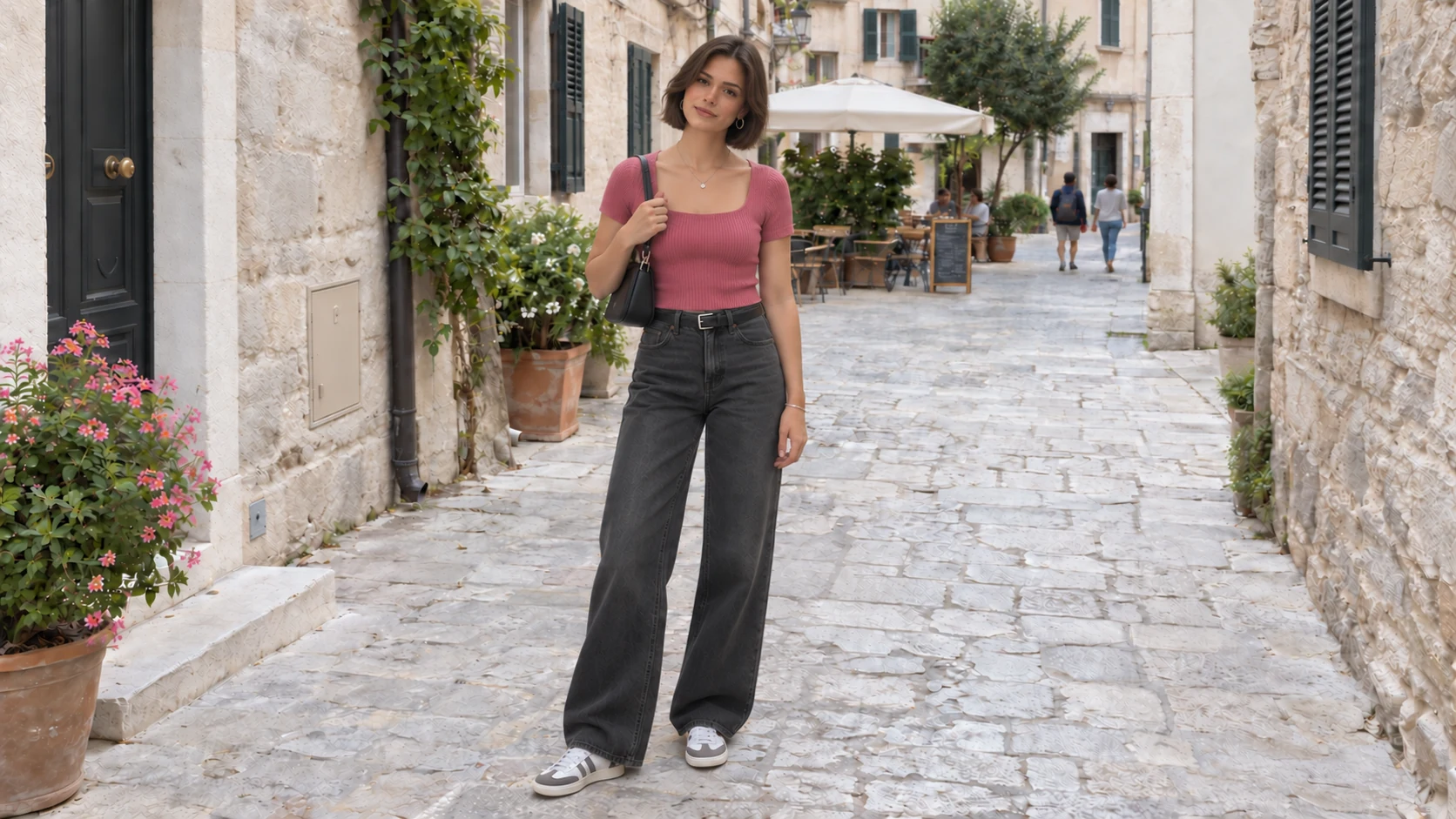
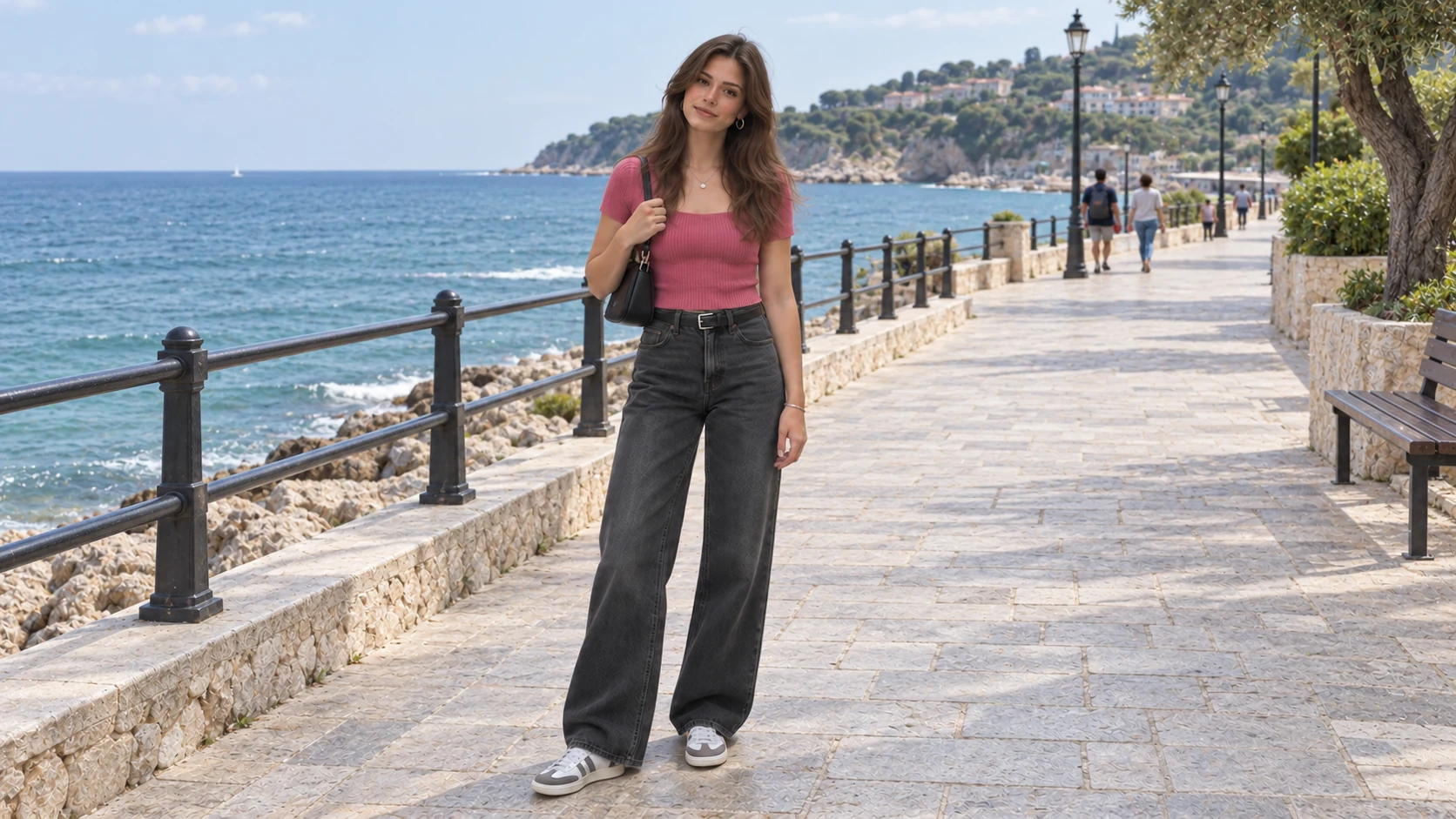
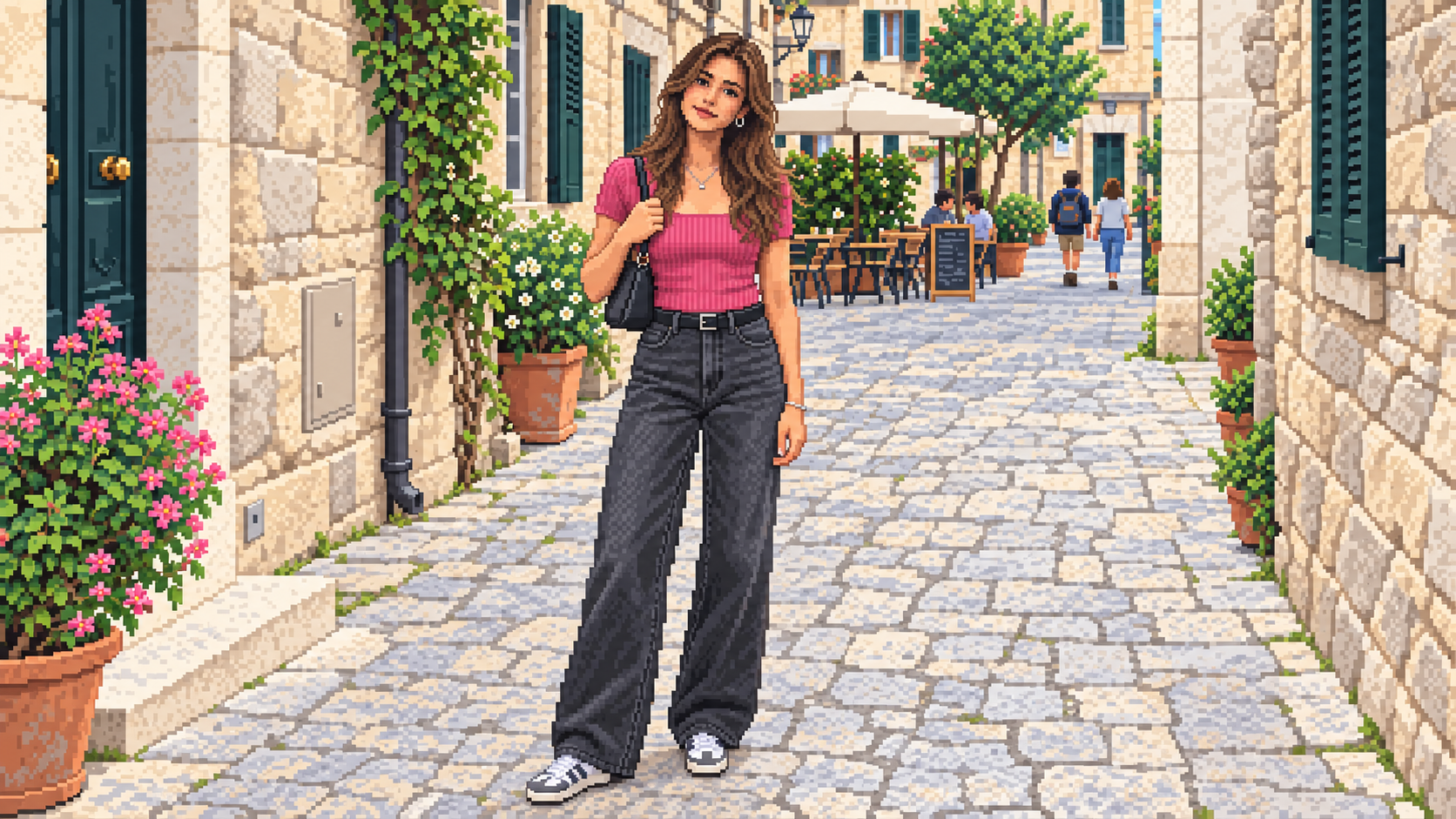
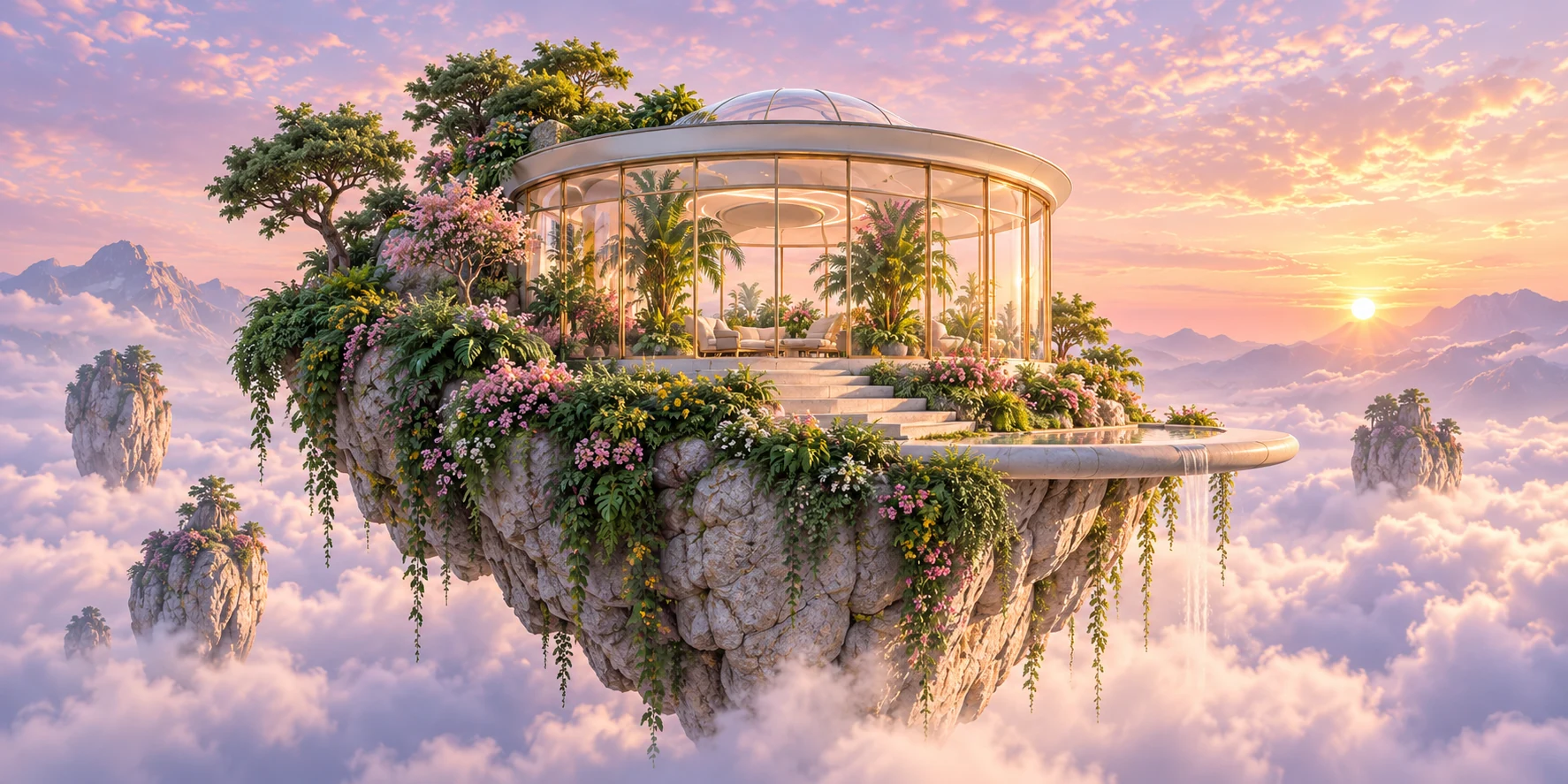
Text-to-Image Generation
Describe subjects, scenes, and styles to create pictures from scratch. This AI image editor generates concept art, illustrations, and original visuals without an upload.
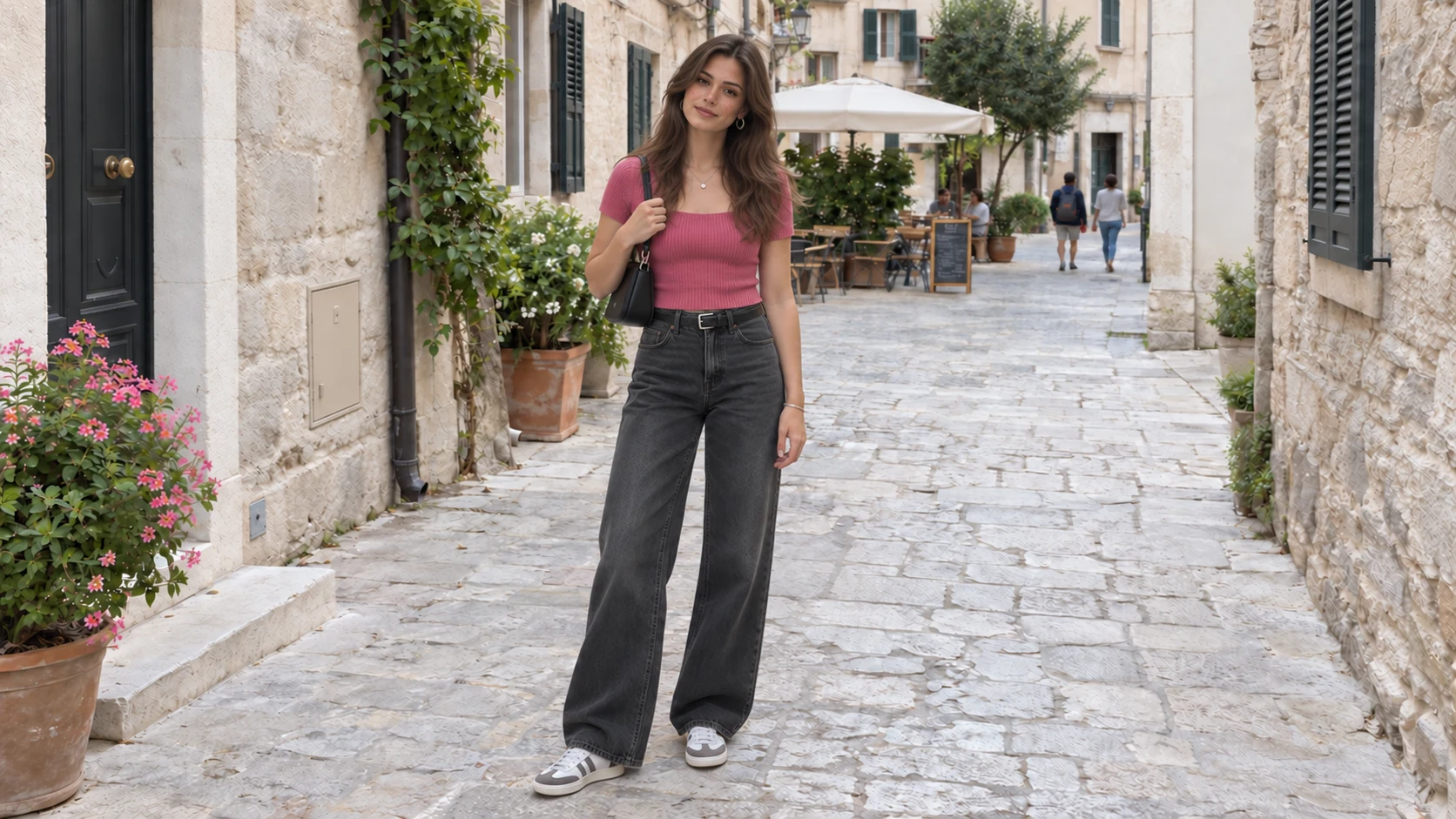
Use this free AI photo editor to generate new images from text, edit uploaded photos, replace backgrounds, adjust lighting, and remove unwanted objects.
Try the AI Photo Editor for FreeFree trial credits for eligible new accounts. Sign in with email or Google to get started.
Generate new images from text or modify uploaded photos in this free AI photo editor.
Create: Type a descriptive prompt to generate an image from text.
Edit: Upload a photo and describe the changes to make.
Describe a scene to create an image from scratch, or upload a photo to make specific edits.
Describe subjects, scenes, and styles to create pictures from scratch. This AI image editor generates concept art, illustrations, and original visuals without an upload.
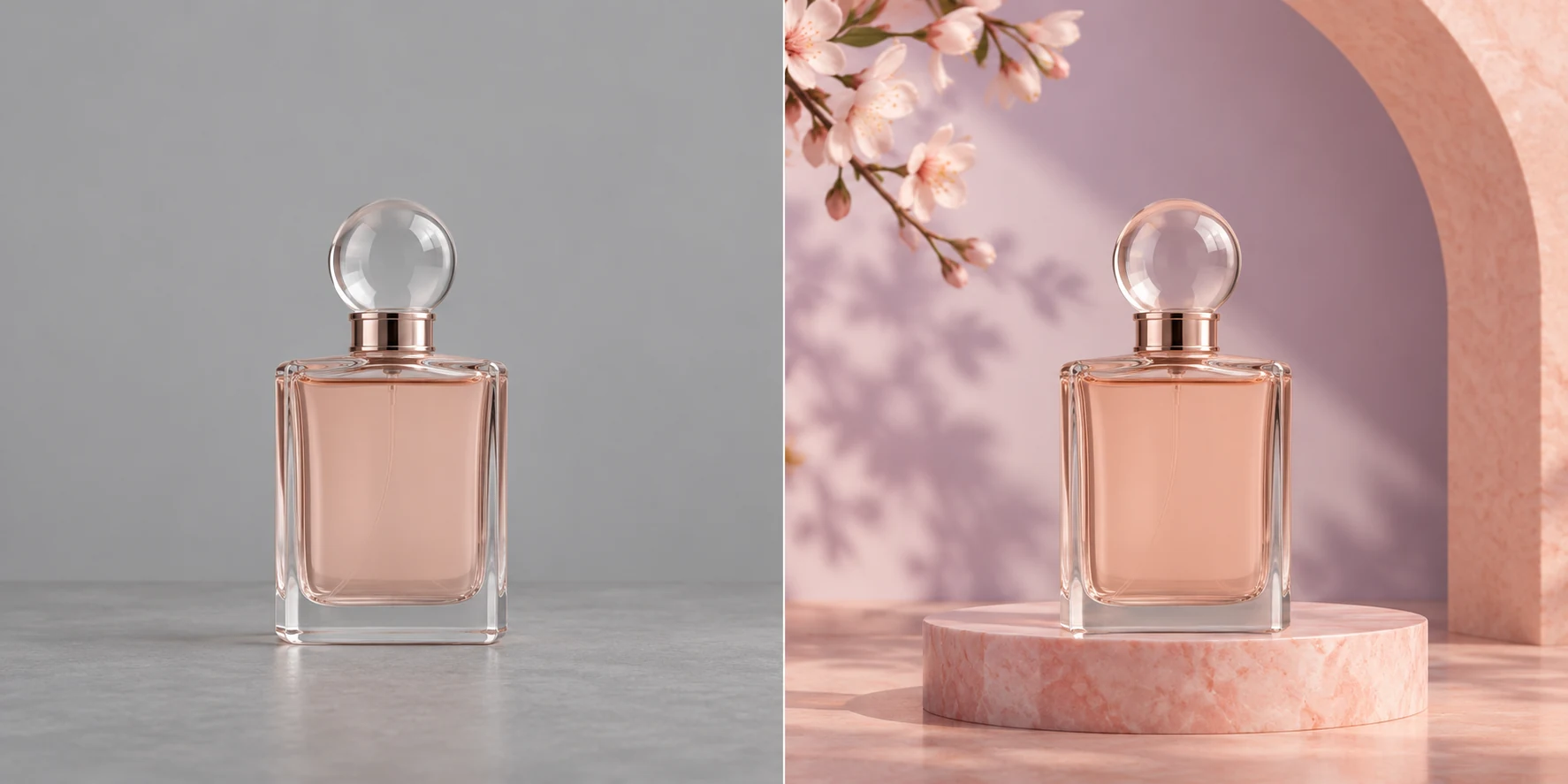
Upload an existing photo and describe the background, lighting, or objects you want to modify. This AI photo editor handles everyday AI photo editing for product shots, portraits, and personal pictures using simple text prompts.
Work entirely in your browser without software installs, complex brush tools, or switching between apps.
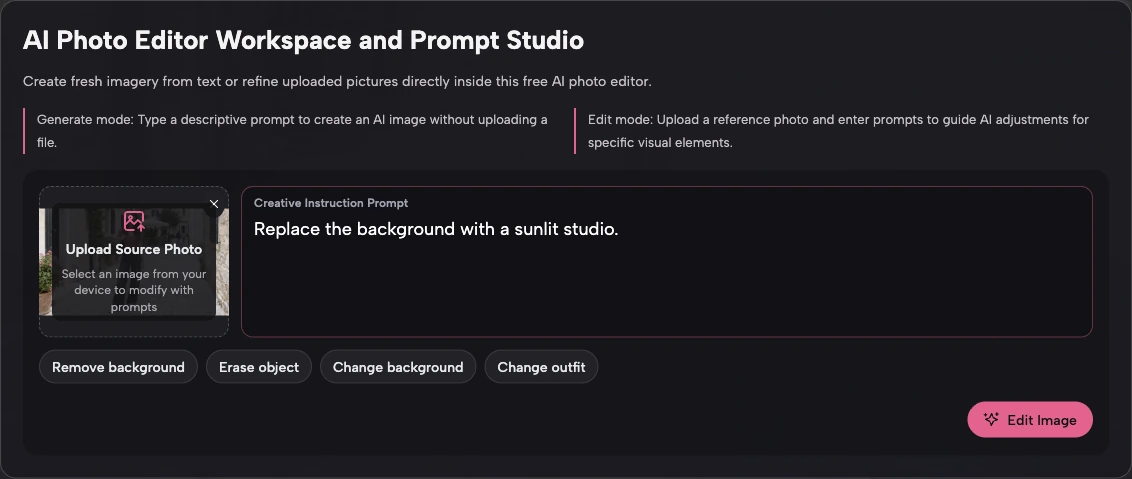
Open this web-based AI editor in your desktop or mobile browser without downloading or installing any software.
Type what you want to change in plain language instead of learning complex brush tools or layer menus.
Create new images from text and edit existing photos in the same browser tab, keeping your entire workflow in one place without switching apps.
Follow three simple steps to create or edit images in your web browser without complicated tools.
Sign in with Google or a verified email address. Eligible new accounts receive one-time free trial credits after verification to start generating and editing.
To create an image, type a detailed description of the scene. To edit a photo, upload your image first and describe the adjustments to make.
Click Generate Image or Edit Image to process your request. Check your image, download your result, or update the prompt to try new variations.
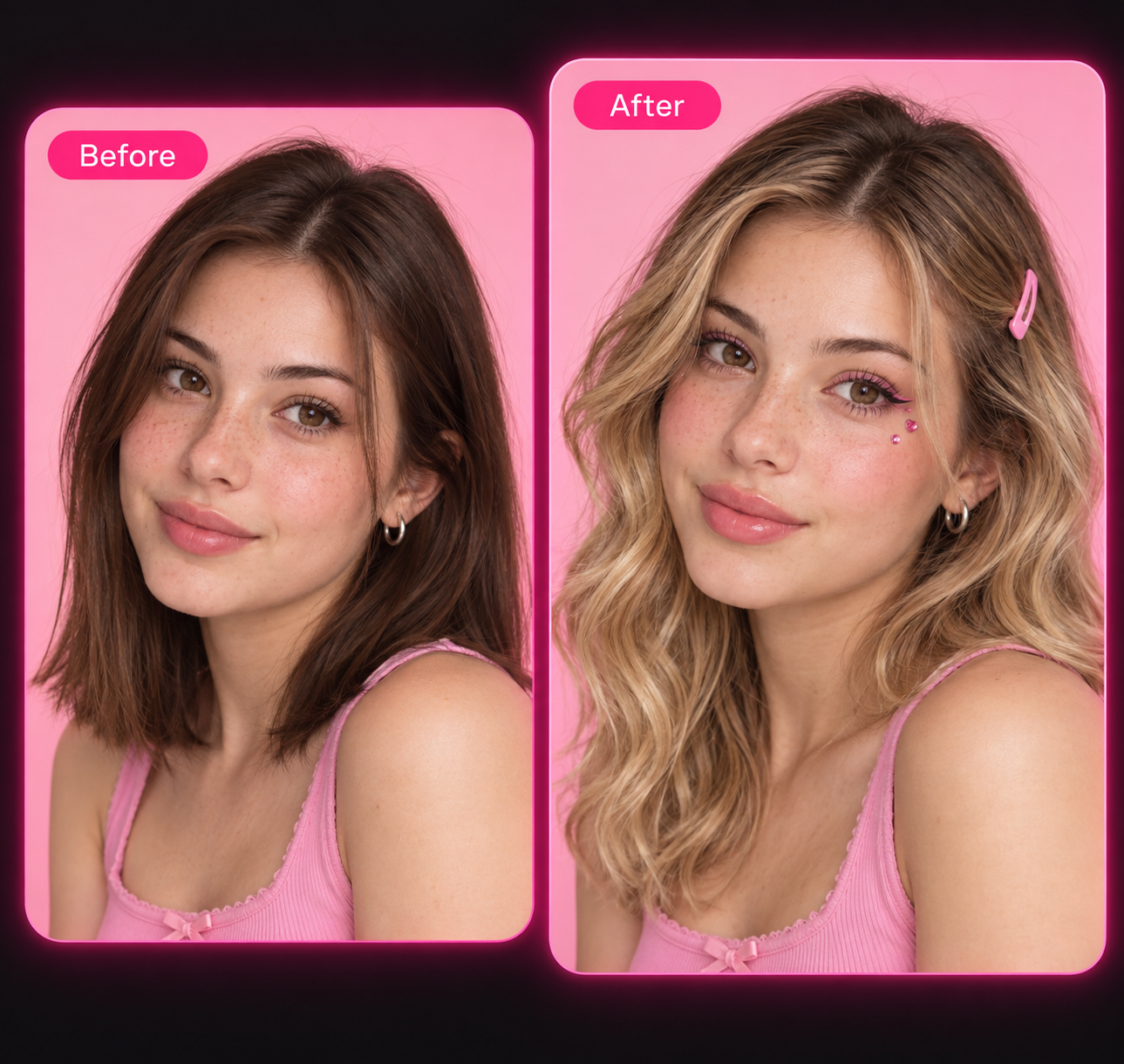
Explore practical ways to edit photos and create artwork in PhotEditor. See how the AI image editor helps you replace backgrounds, remove unwanted objects, and explore new visual styles.
Transform cluttered backgrounds into outdoor settings, studio environments, or solid backdrops. Upload a photo and enter a prompt detailing the new setting.
For example, request a wooden tabletop with morning sunlight or a marble counter for your product image. Test descriptions inside the AI image editor to match seasonal themes, and describe the lighting you prefer for your new background.
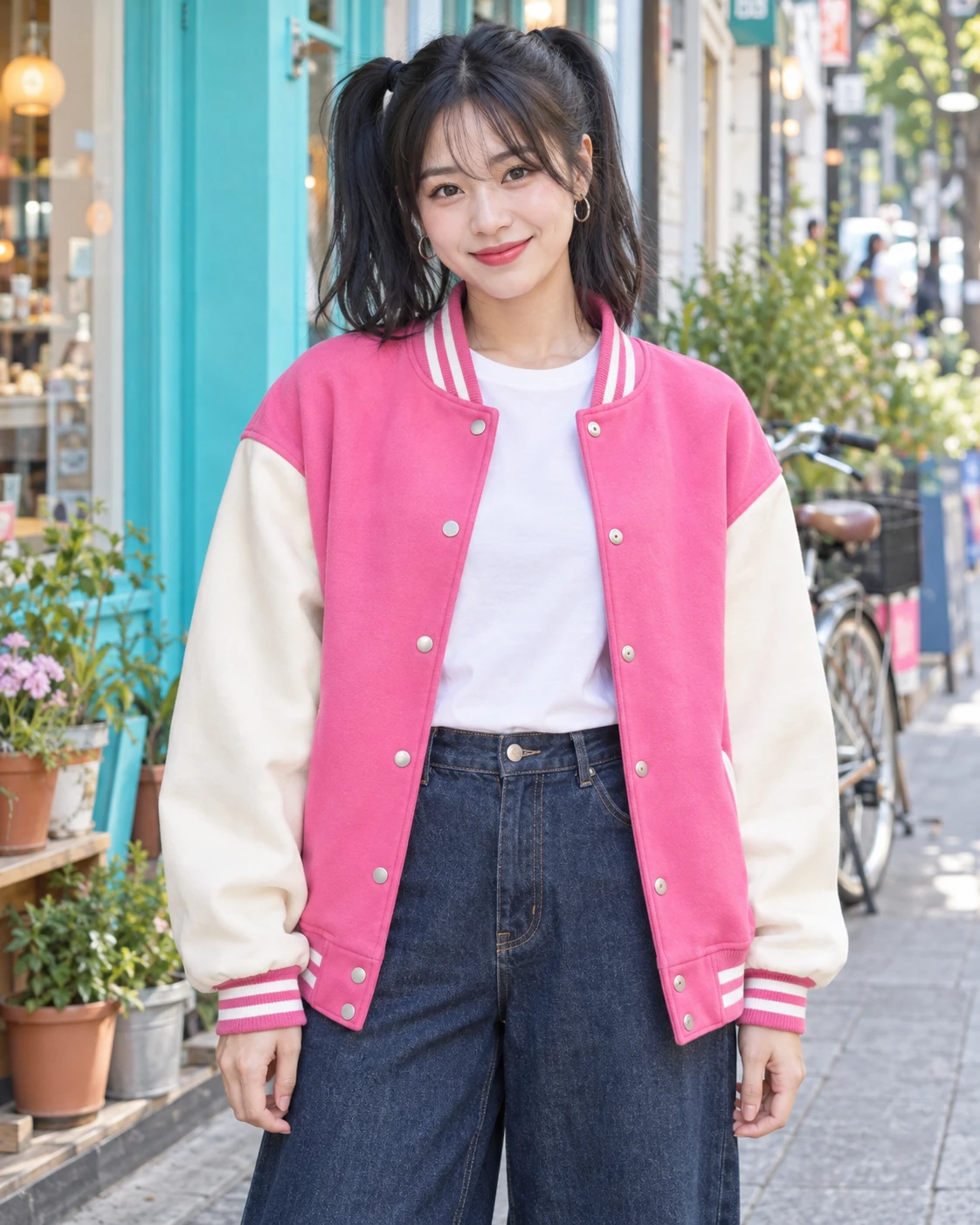
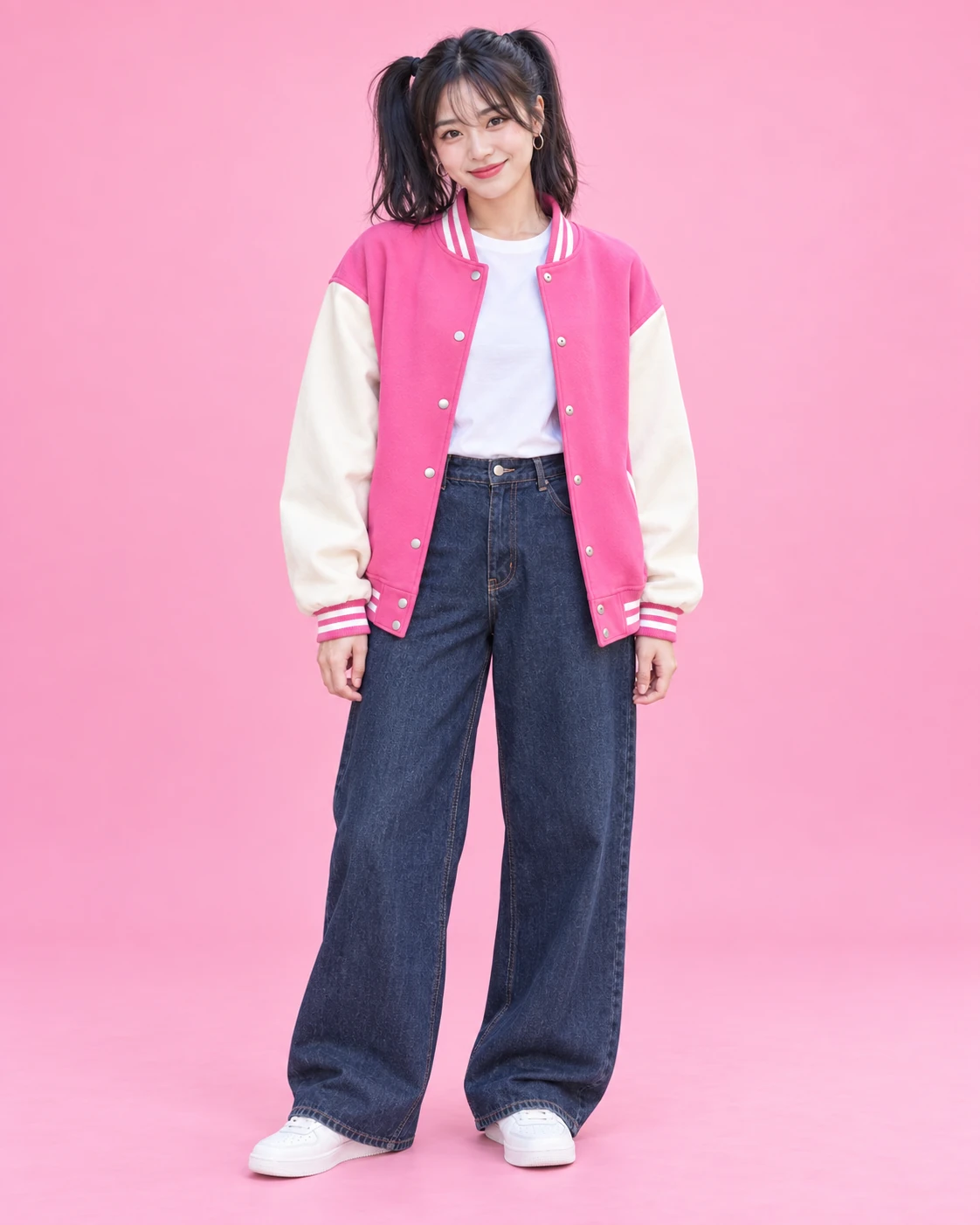
Remove unwanted passersby, background poles, or clutter by describing what to take out of the frame and how the area should be filled.
You can also change clothing colors, add decorative items, or adapt an existing photo for promotional campaigns with this AI image editor.
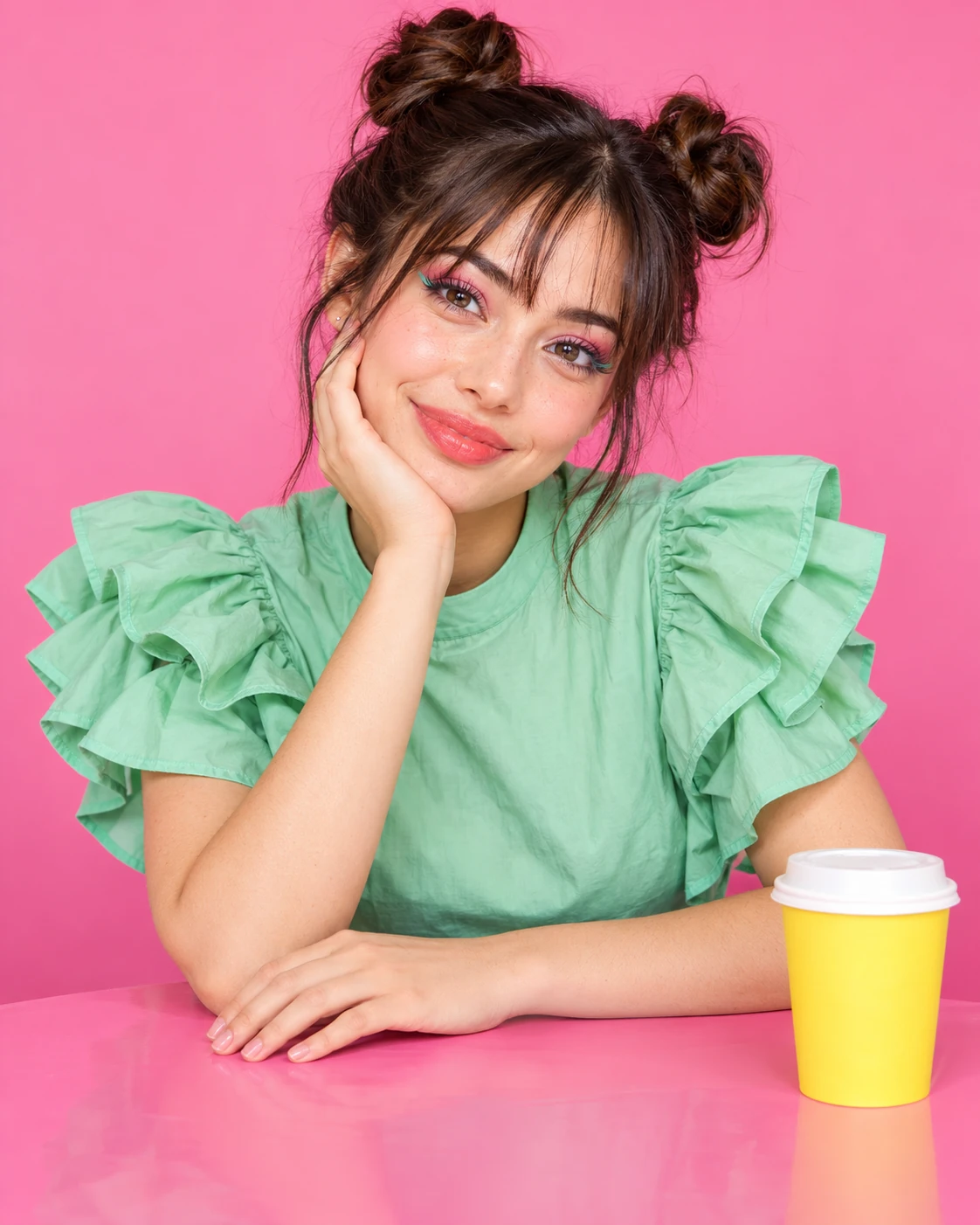
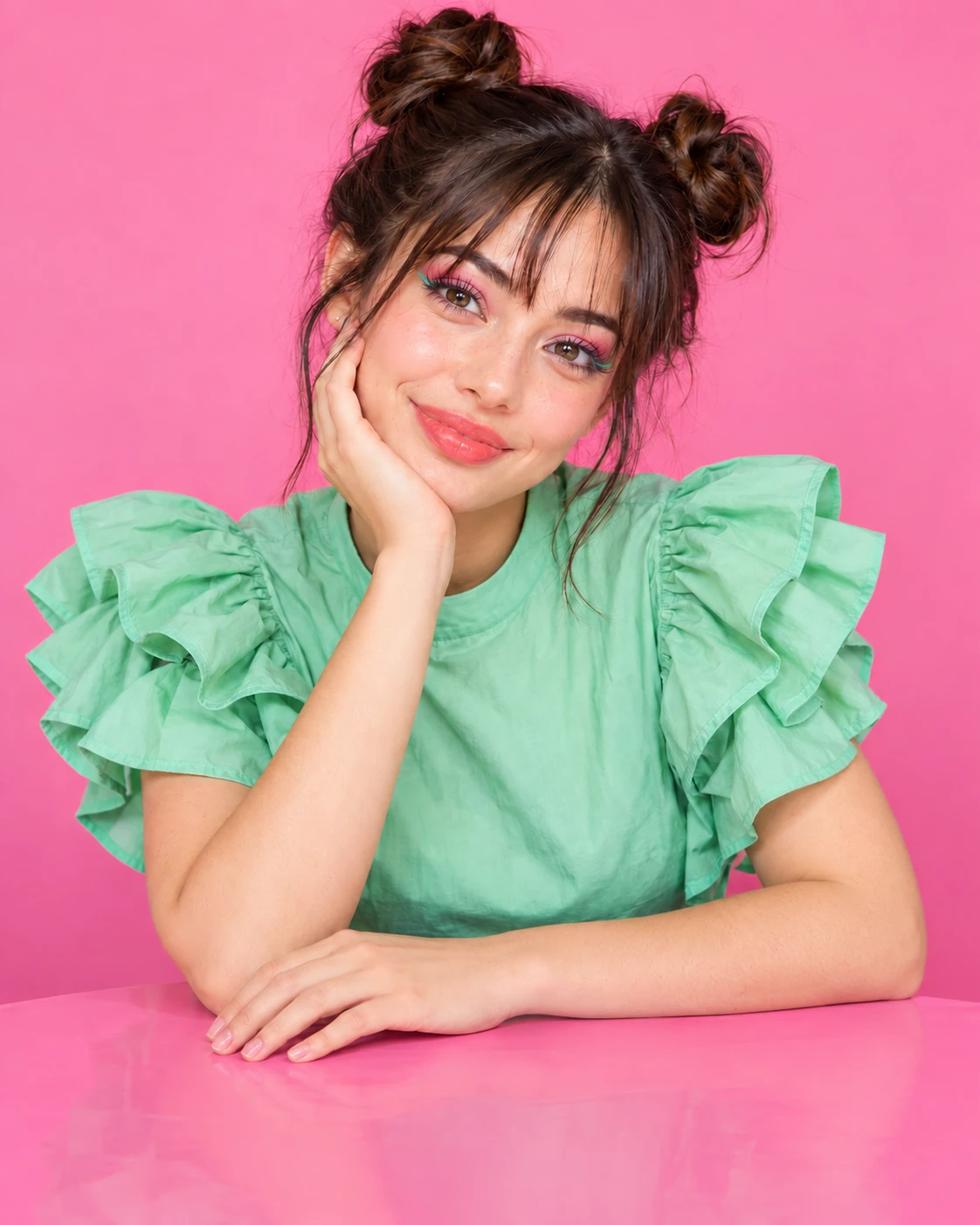
Turn photos into watercolor paintings, cyberpunk illustrations, or film scenes. Upload an image to guide composition, or experiment with prompts featuring warm golden-hour lighting, cool neon tones, or soft pastel palettes.
You can also create visuals from scratch using text prompts. Test prompt variations in the free AI image editor to explore fresh artistic styles.
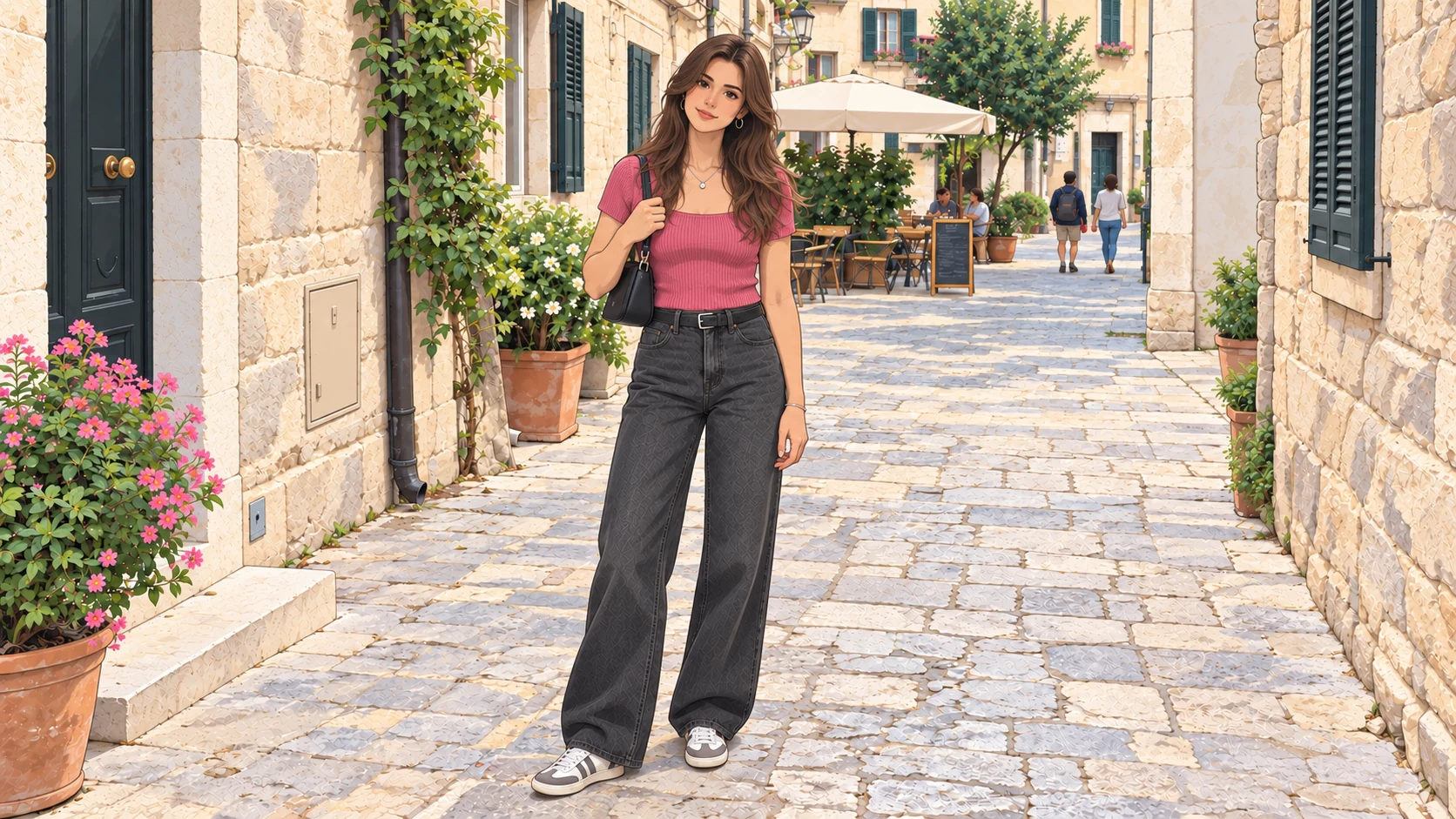
See how people use our AI image editor to update store listings, social posts, and personal photos.
I take most of my product photos at home, so they usually need a little work before going on the store. This fits nicely between taking the photos and uploading a listing.
Handy for those “love the photo, just needs a little fixing” moments. I’ve been using it to get images ready for my posts without turning each one into a whole project.
Some places look amazing in person and surprisingly dull in my phone photos. A few small edits help bring back the feeling of being there, without making the scenery look unreal.
Sometimes a layout is nearly finished and one photo just feels off. I’ve found this useful for those small adjustments rather than starting a separate editing project.
I used it while putting together an outfit mood board. The photos came from different shoots, and a little editing helped them feel like they belonged together.
Photo editing is one of those jobs I squeeze in between everything else. This has been useful for getting everyday photos ready for our website.
Used it for a group presentation. Our photos looked a bit mismatched, so I cleaned them up before adding them to the slides. Nothing fancy, but the final result looked much more put together.
I have an established workflow for client work, but sometimes I just need a quick edit of one shot to share. That’s where this has been useful for me.
I’ve been using it to adjust photos for my reference boards. Sometimes changing an image slightly helps me see a color combination or composition I hadn’t noticed before.
The best expression doesn’t always happen in the best light. I used this to tidy up a few favorite shots before sending a preview to a pet owner.
I want clearer listing photos, not photos that make old things look brand new. This has been handy for making small edits while keeping the character of each piece.
Used it to get a few rehearsal photos ready for a gig announcement. We weren’t going for a polished studio look—just something we’d actually feel good posting.
I’m pretty particular about how my beauty photos look. I used this for a few light adjustments before posting, rather than giving the whole image a heavily edited finish.
Making the piece is my favorite part. Photographing it, not so much. This helped me give my shop photos a little more care before putting them online.
My kitchen lighting doesn’t always do the food justice. I’ve used this to give recipe photos a little attention before posting, especially when a dish looks much better on the plate than in the picture.
We had event photos from several different people. I used this to edit a small selection for our recap post, which helped the final set feel more consistent.
Nice for the casual photos I post between shoots. I used it to polish a few images without trying to turn them into professional portfolio shots.
I mostly share photos of sketchbook pages rather than scans. A few small adjustments helped the pencil work show up more clearly in the images I posted.
Open PhotEditor in your browser to adjust backgrounds, remove unwanted objects, or generate a new AI image with simple prompts.
Free trial credits for eligible new accounts. Sign in with email or Google to get started.
Answers to common questions about features, account sign-in, creative prompts, and AI image generation.
You can browse the workspace and prepare prompts without signing up, but image processing requires an account. To generate new images or edit uploaded photos, you must sign in with Google or a verified email. Eligible new accounts receive one-time free trial credits upon verification.